"I've cloned my voice, but I wish it sounded a bit deeper, more authoritative."
"What would my voice sound like with a British English accent?"
No need to record again.
'Voice Remixing' lets you transform your voice's DNA.
Hello! This is Sonetho. ⚡
Today, we're taking a closer look at a brand new feature recently added to ElevenLabs: Voice Remixing.
Many of you might still be confusing it with "Voice Design."
This article aims to clarify the distinction once and for all.
🛠️ 1. What is Voice Remixing?
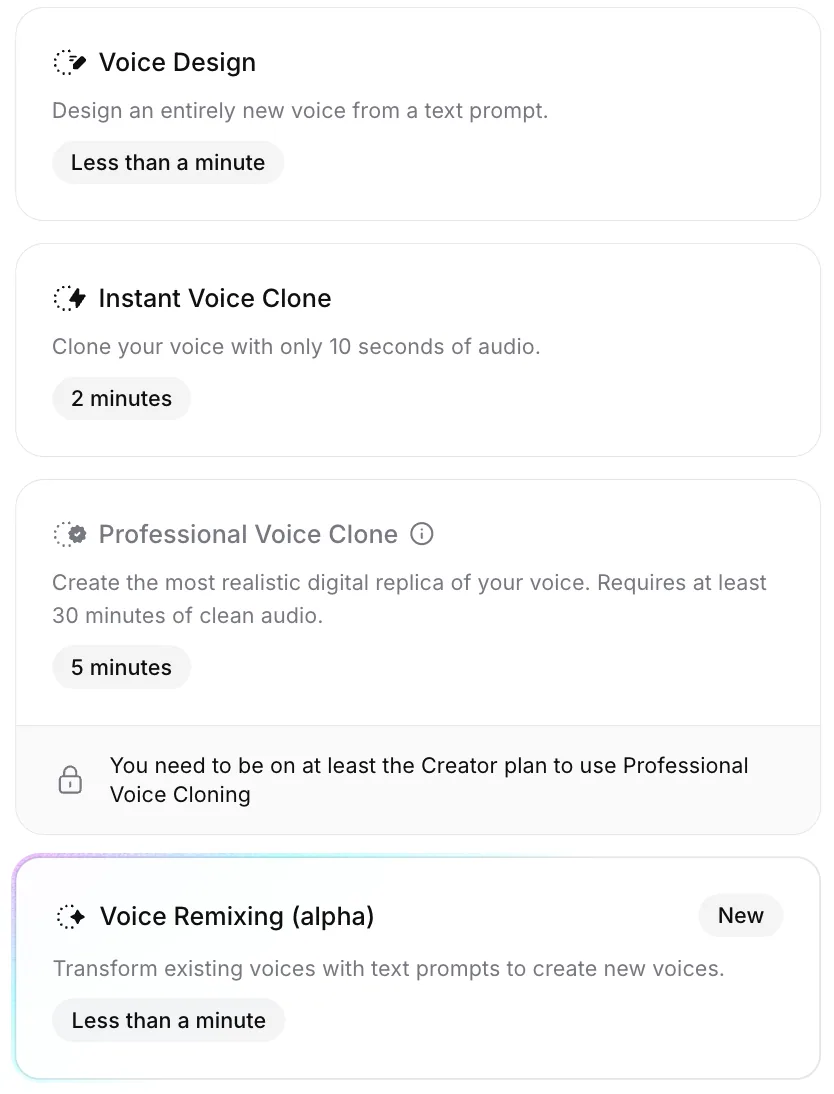
In a nutshell, it's like "customizing an existing voice."
- Voice Design: Creating a completely new voice from scratch (random generation).
- Voice Remixing: This feature allows you to modify parameters like gender, age, accent, pace, and more, using a voice you already possess (e.g., Instant Voice Cloning or Professional Voice Cloning) as a base.
This means you can maintain your unique vocal tone while making it sound "a bit older" or blending in a "San Francisco accent."
🎙️ Want to remix using your own voice?
Voice Remixing truly shines when you use your own voice (IVC or PVC) as the base. Get 50% off your first month as a new member, create your own voice, and start remixing right away.
Start ElevenLabs free — no credit card →
🎛️ 2. Key Features
Add Voice Reference
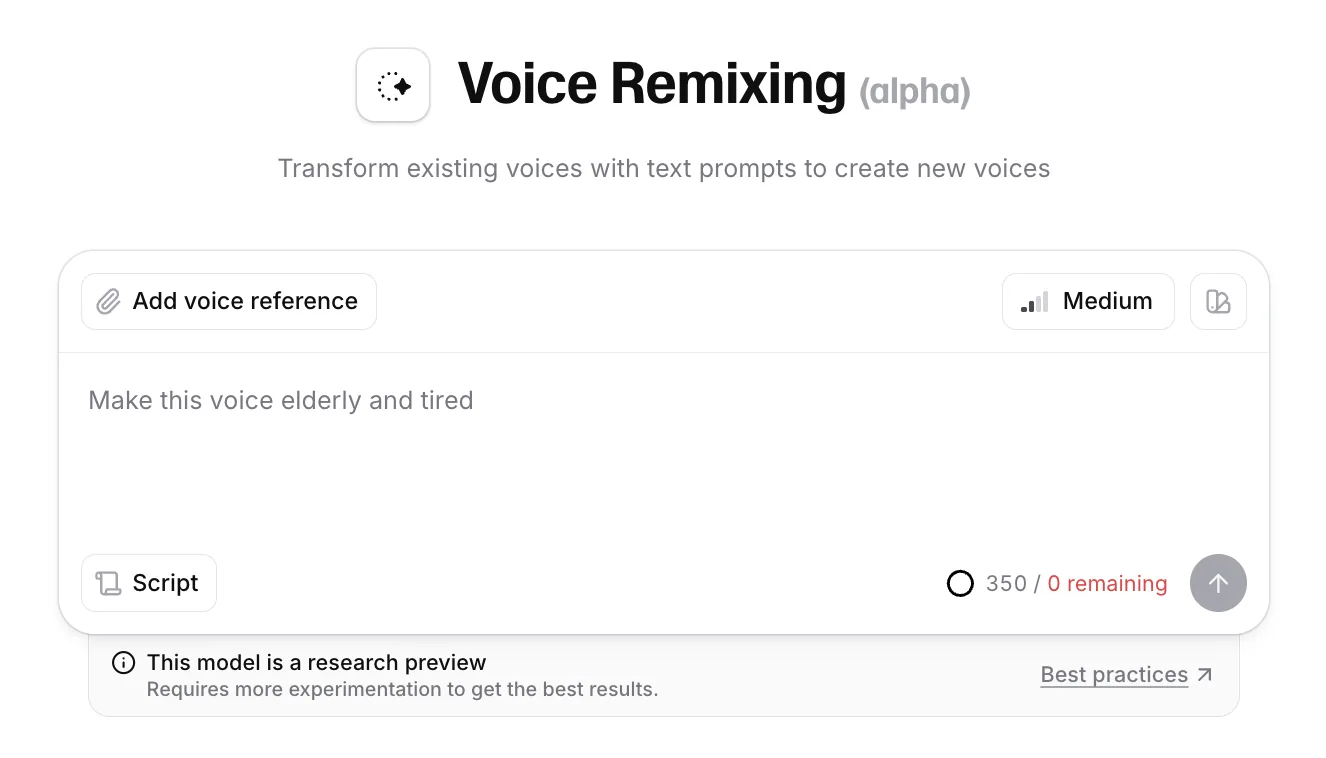
By clicking the [Add voice reference] button in the top left corner of the screen, you can select another voice from your library to modify.
(If no voice is selected, a random voice will be generated.)
Prompt Strength
Upon entering the Remixing interface, you'll first see the central text input field and the prompt strength control in the top right.
Clicking the [Medium] button (signal strength icon) in the top right allows you to adjust the Prompt Strength as shown below.
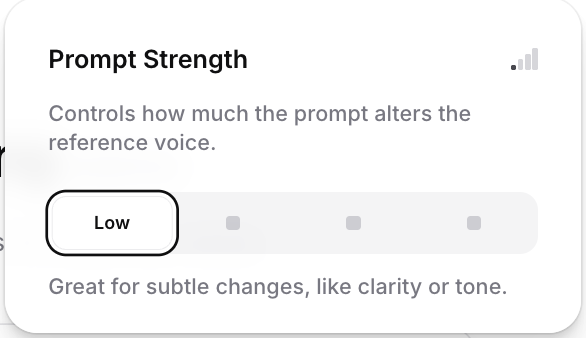
- Low: Retains most of the original voice's characteristics, making only subtle changes.
- Medium: Preserves the core identity of the original while introducing noticeable changes. (Recommended ⭐)
- High: Prioritizes the prompt (command) you entered. The original tone may change significantly.
- Max: Can transform the voice to sound like an entirely different person. (Use when you want a complete transformation.)
💡 Our Editor's Pro Tip:
Start by setting it to High to fully explore the feature's capabilities.
Then, gradually decrease to Medium or Low to find the most natural-sounding result.
🎨 3. Unsure what to prompt? Try 'Inspiration'
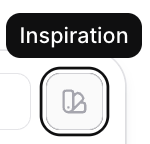
"What should I write in the prompt?" Feeling stuck? Don't worry.
Click the palette-shaped icon (Inspiration) in the top right corner.
Clicking this will reveal a range of preset buttons across various categories like Accent, Age, and Emotion, as shown below.
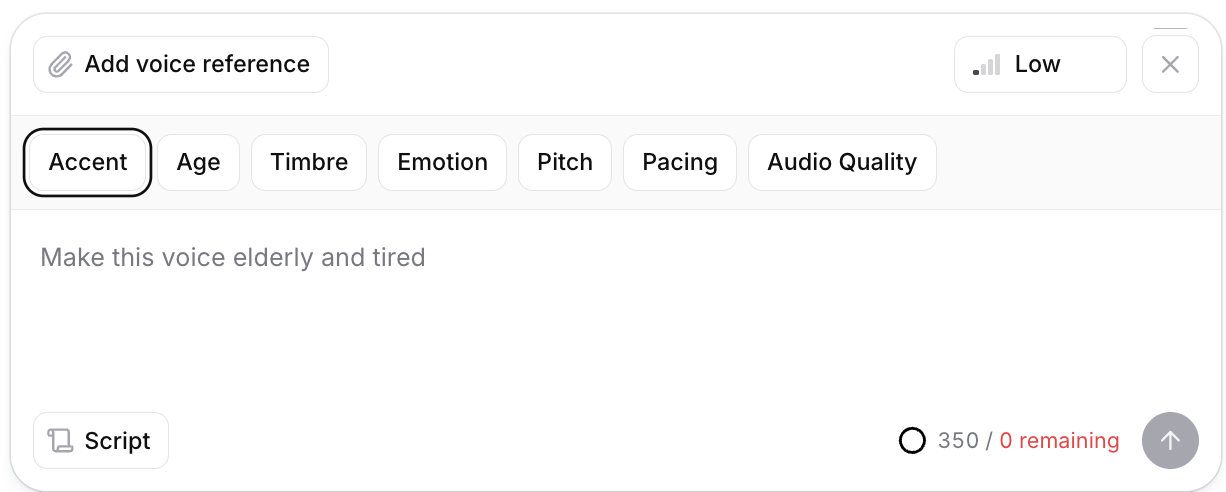


🎯 Just click to auto-fill!
For instance, clicking [Accent] will bring up options like British or Australian accents,
and clicking [Age] will show buttons like 'younger' or 'elderly'.
Simply click your desired style, and the prompt will be automatically filled in the input field. It's that easy!
📄 4. Script Settings
Script
Clicking the [Script] button in the bottom left allows you to enter your own text for testing.
Instead of just listening to "Hello," try inputting the actual dialogue you plan to use.
(Note: Credits will be deducted based on the length of your test script!)
❓ Frequently Asked Questions (FAQ)
Q. If I remix my voice, does the original disappear?
A. No! The remixed voice is saved as a 'new variant,' while your original voice remains untouched in your library. Rest assured.
Your original stays put — build out your alter egos worry-free
Every remix is saved as a new Variant, so your original voice stays safe. Grab 50% off now and turn your single voice into a grandpa, a baby, or a foreign-accented character.
Try ElevenLabs free — start remixing your voice →
💡 Here's exactly how to lock in that 50% discount → How to get 50% off the ElevenLabs Creator plan in June 2026
In Closing
Voice Remixing is a powerful tool that allows you to create "dozens of alternate personas" from a single voice.
With just one well-crafted voice, you can now cover roles from a wise elder to a playful child, or even a character with a foreign accent.
Start remixing your voice today!
Thank you,
Sonetho ⚡